

Going fullstack with Astro, TanStack, and Kysely
Taking Astro beyond a static site generator—as a fully fledged Node.js web server that queries a database through Kysely and sends down a React app enhanced with TanStack Router and TanStack Query for hydration, client-side navigation, and data fetching for a smooth client-side experience.
The journey of exploring ways to combine Astro and TanStack Router started as an effort to find alternatives to Next.js and React Router. I just didn’t like the big push towards App Router and React Server Components from the Next.js team and Vercel, while the React Router team kept going back and forth between Remix and React Router, which didn’t give the impression that the team had a clear long-term vision. I also didn’t like the tight coupling between Next.js and Vercel’s serverless infrastructure, and self-hosting a Next.js app (or hosting it anywhere else) didn’t seem like smooth sailing for many devs online. I wanted something simpler and more transparent—a machine with a public IP address and the app containers running on it.
Infrastructure
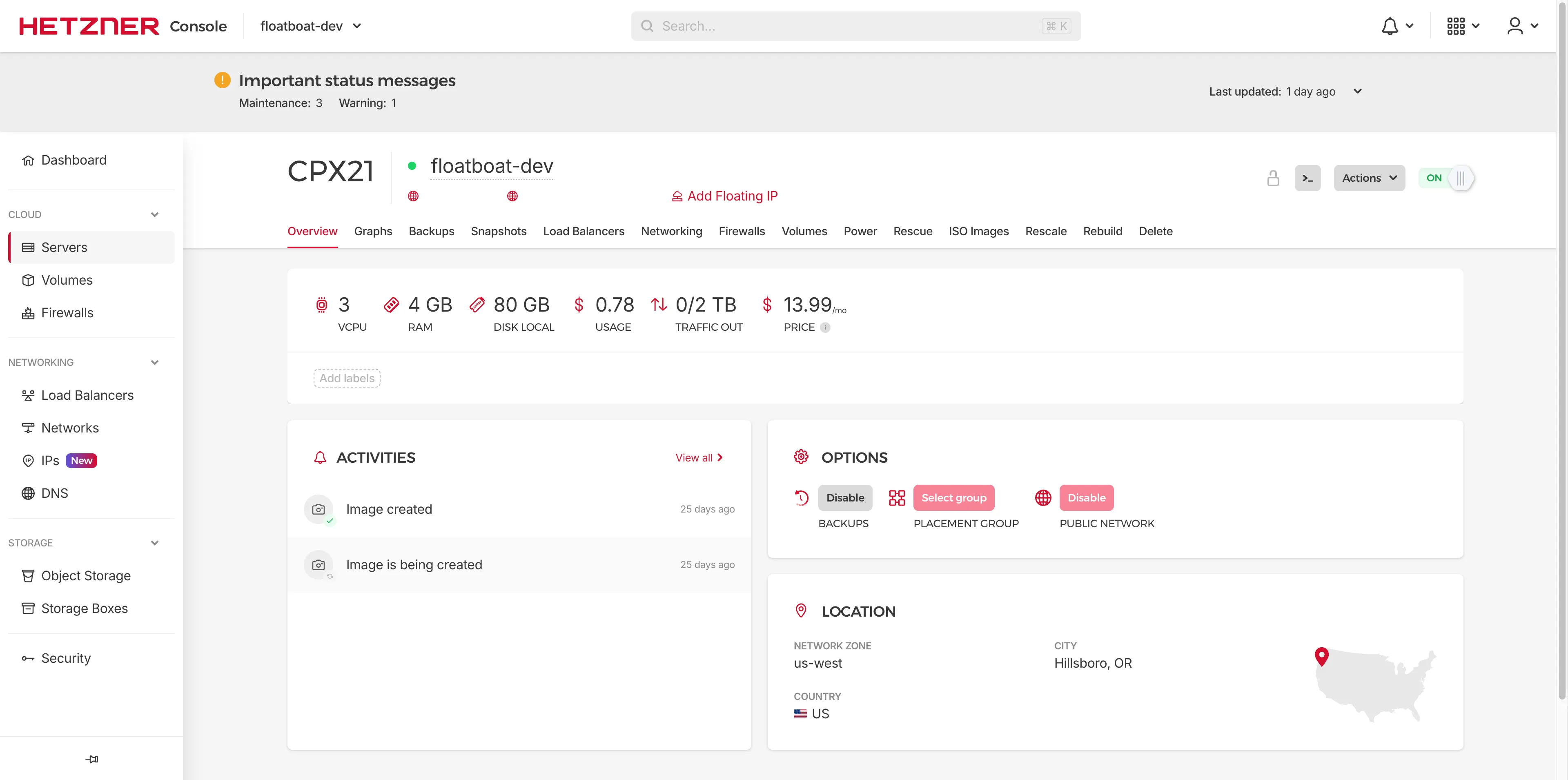
As a frontend dev, I’ve always wanted to get into building fullstack web applications at some point. But unlike publishing static websites or single-page applications (SPAs) to a static hosting provider, deploying a web server application and a database has always seemed too complicated—in large part because of the big push towards serverless platforms and services. And while it’s still a massive jump from static hosting, deploying a web application and a database to a rented virtual private server (VPS)—a.k.a. self-hosting—seemed to offer a lot more control over the infrastructure than opaque serverless services such as Vercel Functions or Cloudflare Workers. So that’s what I set up for my fullstack web applications: a Hetzner VPS as the machine and Coolify as the application / deployment manager.
Backend Technologies
Now, going fullstack also meant I needed to choose backend technologies for the following:
- auth → better-auth
- request handling & API endpoints → Astro + @astrojs/node
- application-database bridge → Kysely
- database itself → PostgreSQL
Without any prior experience with auth libraries other than Supabase Auth, I went with better-auth—which was gaining huge traction and receiving a lot of positive feedback from devs online at the time—without even looking into other options. And I like it overall: it handles the OAuth flow on its own and stores all of its data as tables in the same database I use for my own tables, which makes it very easy to include user data in my own database queries.
Similarly, I picked PostgreSQL as my database of choice without giving much thought to the alternatives, based on my prior experience with Supabase and the reliability and maturity that online dev communities praise it for. Unfortunately, I don’t think I’m technical enough in database technologies to discern and compare the intricacies and inner workings of each popular database solution anyway.
Choosing a technology for the application-database interface was, in essence, driven by my preference for fewer abstractions and more transparency—just like managed serverless services seemed too opaque compared to self-hosting, object-relational mappers (ORMs) such as Prisma or Drizzle ORM felt too black-box-y compared to SQL query builders. Kysely is great in that it lets me write SQL queries—including data definition language (DDL) commands for table definitions—in TypeScript, with full type definitions for the entire database schema, which kysely-codegen generates by introspecting the migrated database. Those table and column types flow through and are consumed by the entire application stack, including Astro and React, acting as the source of truth for data types.
Astro-TanStack Bridge Interface
The idea behind the Astro-TanStack combo itself is simple: Astro, as a standalone Node.js web server, handles all the incoming requests, authenticates users with better-auth, fetches initial data from the database through Kysely, and sends down the initial page with said data along with JavaScript containing TanStack Router (TSR) and React. Then TanStack Router and React take over on the client side, providing interactivity from there on.
The tricky part is properly hydrating a TanStack Router app with its ever-changing SSR APIs. We at least have a stable official SSR example, but we need to dig deeper into the API internals because TanStack Router’s SSR APIs assume the router app is the entire document starting with <!DOCTYPE html>. That’s simply not true in my Astro-TanStack hybrid approach, since Astro is the one responsible for defining the root layout, including <head> and <meta> tags. So to let Astro handle the root layout, rather than taking the whole document from TanStack’s SSR APIs, we need to extract precisely two separate things: the server-rendered TanStack Router HTML and the injected <script>s that TanStack Router uses for hydration on the client. Obtaining the server-rendered router HTML is mostly a non-issue because it’s practically the same as calling ReactDOMServer.renderToString(<RouterServer router={router} />), albeit inside an Astro component—hence React.createElement instead of JSX syntax, since there’s no JSX in Astro frontmatter.
The true challenge lies in extracting the injected scripts that TSR needs to complete client-side hydration. It always starts with examining what renderRouterToString() does internally (linked at the version I’m currently on), and oh boy does its body change frequently. To be fair, I don’t think using the functions inside renderRouterToString() directly is the intended usage of the library, even though they are exported as public APIs (e.g., transformReadableStreamWithRouter). Still, this is by far the biggest maintenance cost of my Astro-TanStack hybrid approach—I’ve already experienced three breaking changes from minor/patch version upgrades. Apart from this part, however, the bridge code requires almost no maintenance once it’s set up.
Attempt 1 – Astro Fetches, React Mutates
When I was first trying out this Astro-TanStack hybrid architecture, I kept Astro and React as separate packages in a pnpm workspace and made the dependencies flow one way: only Astro (the server side) imports TanStack and React (the client-side app), and not the other way around, because I was worried about server code leaking into the client.
I didn’t realize it at the time, but in hindsight, this decision made it hard for me to explore universal (both server & client) data fetching strategies inside TSR’s route-level lifecycle methods such as beforeLoad or loader with an environment check such as Vite’s import.meta.env.SSR. Astro is built on Vite, so Vite’s built-in constants like import.meta.env.SSR work in Astro too. (Spoiler: I went with this approach—with some improvements—in the second attempt below.)
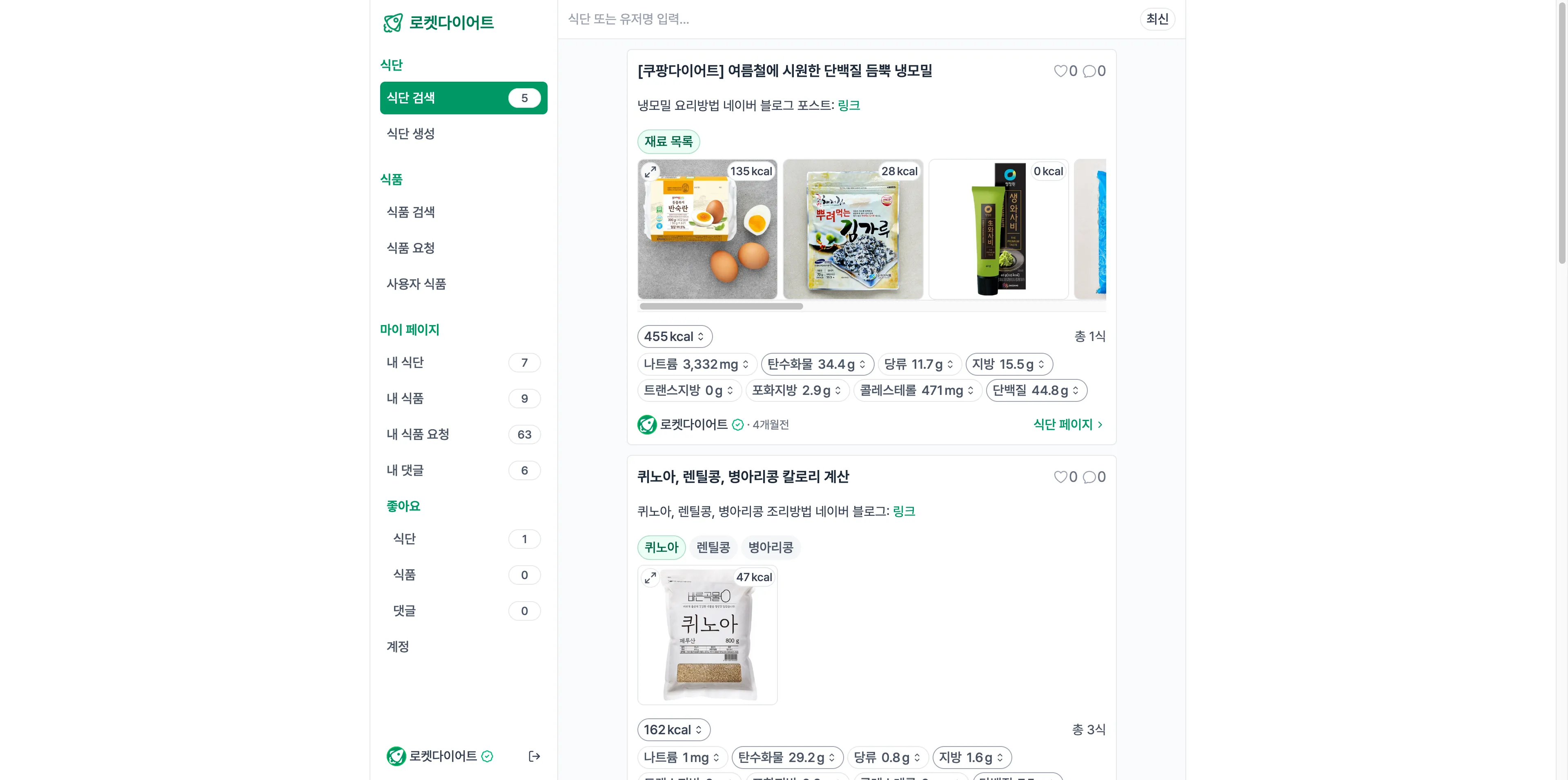
So without a proper universal/isomorphic data fetching implementation, my first side project, rocket-diet, evolved into an ‘Astro fetches, React mutates’ type of multi-page application (MPA). Astro fetches (from the database) and sends down all the data needed for the page, and React sends up mutation requests through TanStack Query’s useMutation() in situations such as submitting a form, posting a comment, or editing an entity.
This MPA approach meant that almost all page navigations were full-page (server) navigations with plain anchor tags. Client-side navigation was only used in very limited circumstances, since React didn’t know how to get data for the next page the user was navigating to—under the ‘Astro fetches, React mutates’ scheme, the next page had to need exactly the same data as the current page for client-side navigation to work, e.g., navigating between a resource page (/resource/$id) and its edit page (/resource/$id/edit). Now that I think about it again at the time of this writing, I might have been better off going full MPA without bringing in TSR (using only React), but oh well, that’s how it was done for this project 🤷♂️.
Attempt 2 – Fetch Everywhere with TanStack Query
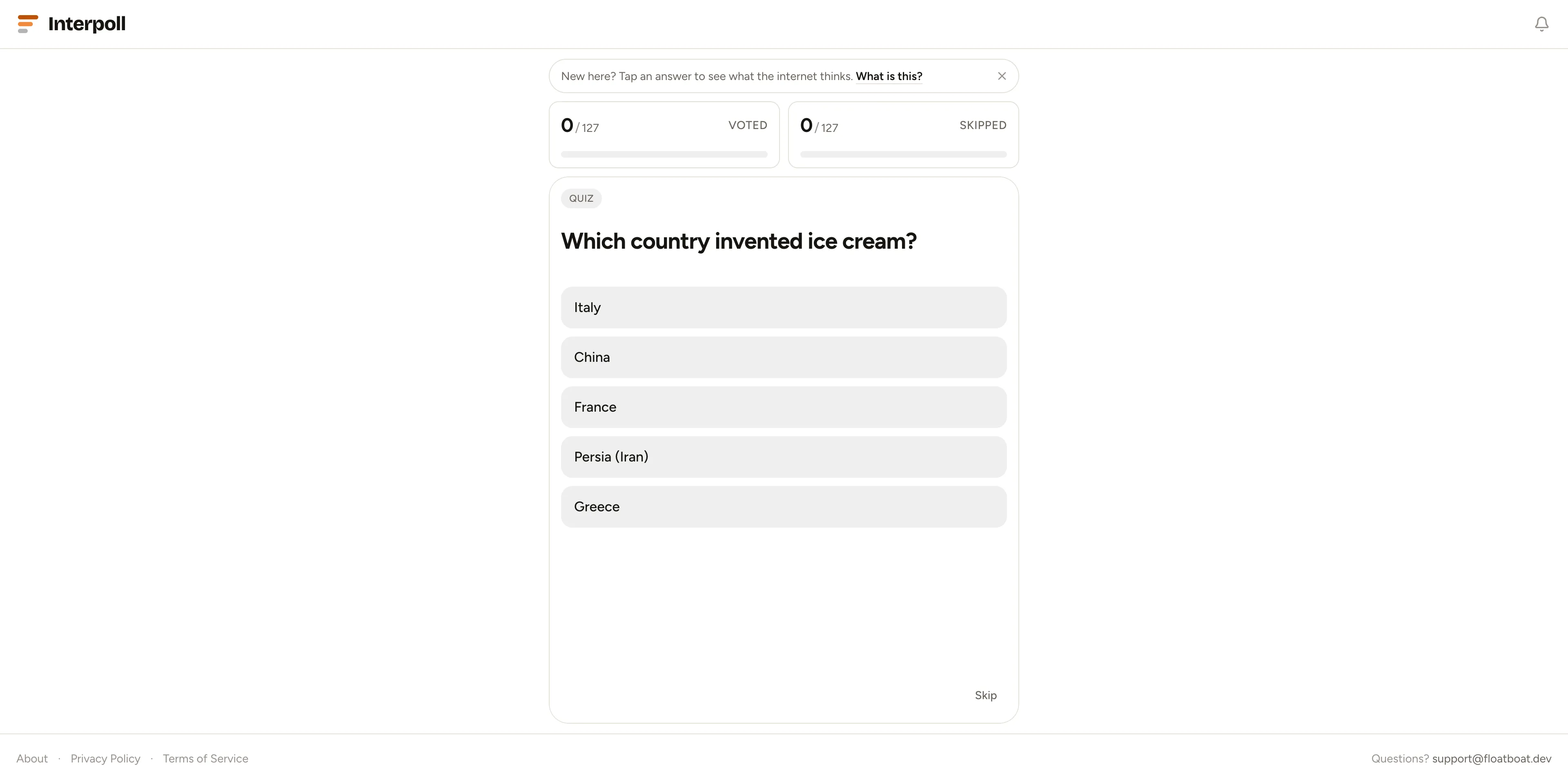
While I was scaffolding the codebase for my second side project, Interpoll, I realized there was little need to keep auth, Astro, React, and common as separate packages in a pnpm workspace like in the previous project, so I merged them all into one Astro package—leaving only packages/astro and packages/db for the second project. With this merged package and the help of a coding agent (Claude Code), I stumbled upon an isomorphic TSR loader pattern that either queries the database directly or fetches from an API, depending on the environment.
Note: the code snippets in this post are simplified to convey the ideas rather than copied verbatim from the projects. For the actual implementation, check out the starter repository at the end of the post.
Isomorphic Data Loader Pattern in TSR
export const Route = createFileRoute("/")({
  loader: async ({ context }) => {
    if (import.meta.env.SSR) {
      // server: hit the DB directly, no HTTP hop.
      // import.meta.env.SSR is statically false in the client build, so this
      // branch (and the dynamic import) is tree-shaken out of the client bundle.
      const { getDataFromDB } = await import("@/lib/queries/getDataFromDB");
      return getDataFromDB();
    } else {
      return fetchDataFromApi();
    }
  },
  component: Index,
});
This pattern worked great until I wanted to implement infinite scrolling for my list views using useInfiniteQuery(). Specifically, I wanted to prefetch the first page of data on the server when the page is requested, so that it’s already in the cache when useInfiniteQuery() mounts and the client only has to fetch subsequent pages. I was finally able to achieve that by sending the dehydrated state of a QueryClient—containing prefetched data under a query key shared between server and client—through a custom hydration channel (just a simple <script> that contains the dehydrated state), and then rehydrating it into a fresh QueryClient on the client side:
Dehydrating QueryClient on the Server Side
---
import { uneval } from "devalue";
import { getQueryClient } from "@/lib/query-common";
import { dehydrate } from "@tanstack/react-query";

const queryClient = Astro.props.queryClient ?? getQueryClient();

const clientRouterContext: Partial<RouterContext> = {
  dehydratedQueryState: dehydrate(queryClient),
};
---

<script
  is:inline
  set:html={`window.__ROUTER_CONTEXT__ = ${uneval(clientRouterContext)}; document.currentScript.remove();`}
/>
I first tried to use an official integration that wires Router and Query SSR together (@tanstack/react-router-ssr-query), but I kept hitting walls and was fighting against the integration to achieve something I wanted (exactly what they were, I don’t really remember..😭) Maybe I should give it another try since the exact reason I abandoned it is now unclear, but setting up a custom hydration channel is simple and straightforward enough that I don’t think I need to.
As for the serialization, I used devalue’s uneval() instead of JSON.stringify() because it emits a JavaScript expression rather than JSON—so values like Dates (e.g., created_at columns) arrive on the client as real Dates—and it’s safe to be embedded in the <script> tag injected with set:html (XSS mitigation).
Rehydrating QueryClient on the Client Side
import { RouterClient } from "@tanstack/react-router/ssr/client";
import { useEffect } from "react";
import { hydrateRoot } from "react-dom/client";
import { createRouter } from "./router";
import { RouterContextSchema } from "@/lib/schemas/routerContext.schema";
import { getQueryClient } from "@/lib/query-common";
import { hydrate } from "@tanstack/react-query";

type Props = {
  rootId: string;
};

export function ReactClientEntry({ rootId }: Props) {
  useEffect(() => {
    const rootElem = document.getElementById(rootId);
    if (!rootElem) {
      throw new Error(`root element with id: ${rootId} not found`);
    }

    const context = RouterContextSchema.partial().parse(
      window.__ROUTER_CONTEXT__,
    );

    // server only sends the dehydrated query state (it cannot send unserializable QueryClient object through network)
    // so we create a new instance of QueryClient that is to be hydrated below.
    context.queryClient = getQueryClient();

    // hydrate the newly created QueryClient
    hydrate(context.queryClient, context.dehydratedQueryState);

    // now we can access the hydrated QueryClient anywhere on the client through the Router Context.
    const router = createRouter(context);

    hydrateRoot(rootElem, <RouterClient router={router} />);
  }, [rootId]);

  return null;
}
And this TanStack Query pipeline of ‘prefetching on the server side’ → ‘dehydrating’ → ‘rehydrating’ → ‘refetching on the client side if the cache becomes stale’ was truly a game changer for isomorphic data fetching. So much so that I switched to sending down only the dehydrated query state and nothing else on the initial page load—all the necessary initial data for the page resides inside it. It also made the import.meta.env.SSR branch from the loader pattern above unnecessary, so I eventually dropped it: Astro pages prefetch from the database on the server, and routes only ever use the client-side fetchers.
Now that both server and client share the same QueryClient setup and query keys, and the server ships the initial query data to the client, the very next client-side navigation first checks the cache populated by the server and only refetches data when the cache is stale. We can do this safely in beforeLoad() of TanStack Router, knowing that the cache is always fresh when it runs on the server side—we will always have fetched the initial data in the Astro component before beforeLoad() runs on the server.
[Note] this pattern relies on the QueryClient’s staleTime being above zero—my default value is 60 seconds. With the library default staleTime: 0, the server-side beforeLoad() would consider that data stale and call the client-side fetcher, which fails on the server, so do keep this in mind.
Placing the refetch-if-stale logic inside beforeLoad() also means that we can show a pending state with pendingComponent while fresh data is in flight on a cold or stale cache.
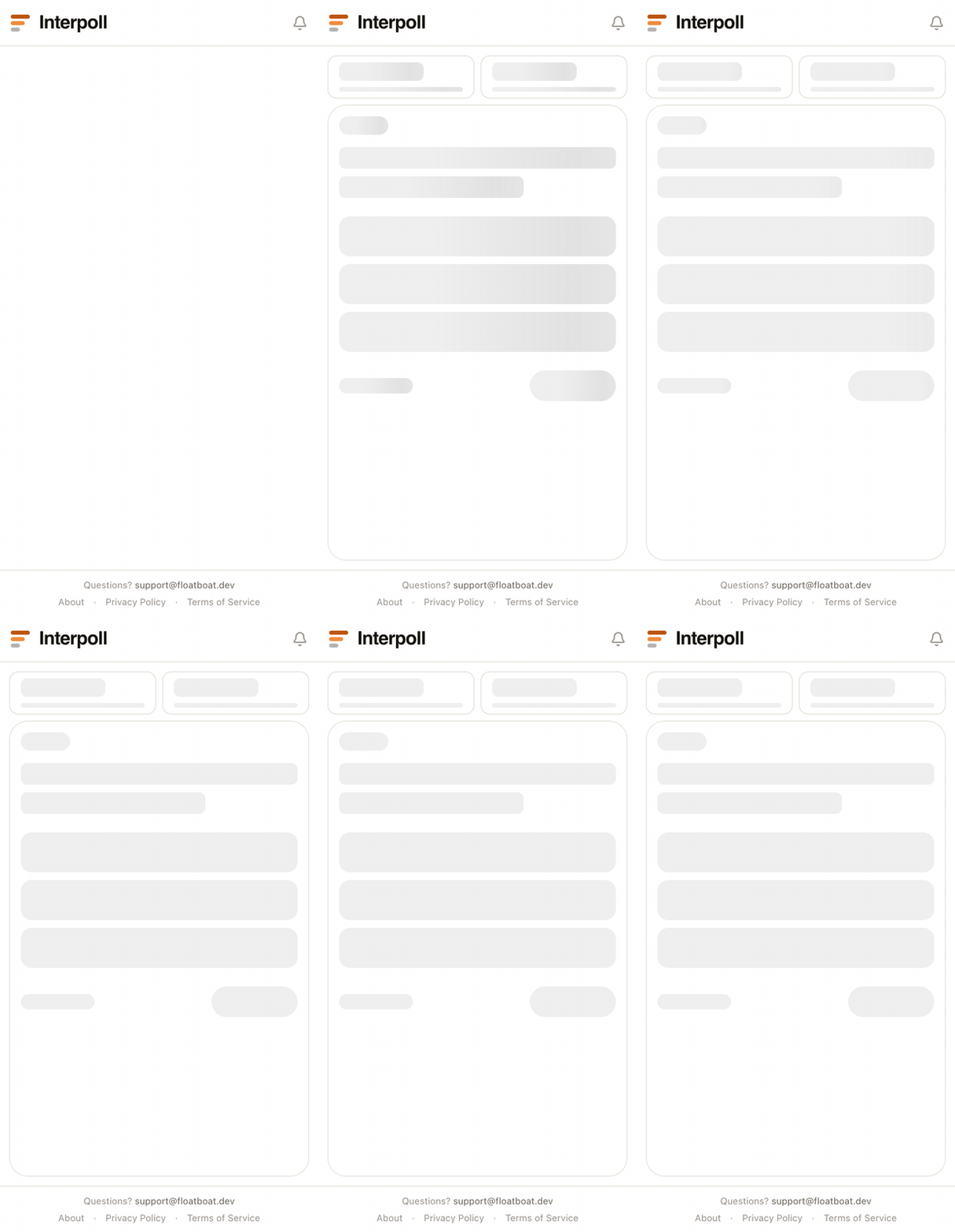
Finally, we have all the ingredients for a web app with a great user experience: initial server-side rendering (SSR), an isomorphic QueryClient with its dehydration/hydration, snappy client-side navigation once the page loads, and proper pending components while fetching data. And all of these features made it into my second project, Interpoll.
Putting It All Together in a Template
It took me a solid year to iterate on and refine this tech stack, but I’m glad I did—now I have a familiar indie web stack I can reuse in the future, and what better way to preserve it than a boilerplate repository?
So here’s astro-tanstack-kysely-starter. It’s a simple guestbook app that showcases everything I’ve discussed in this post.
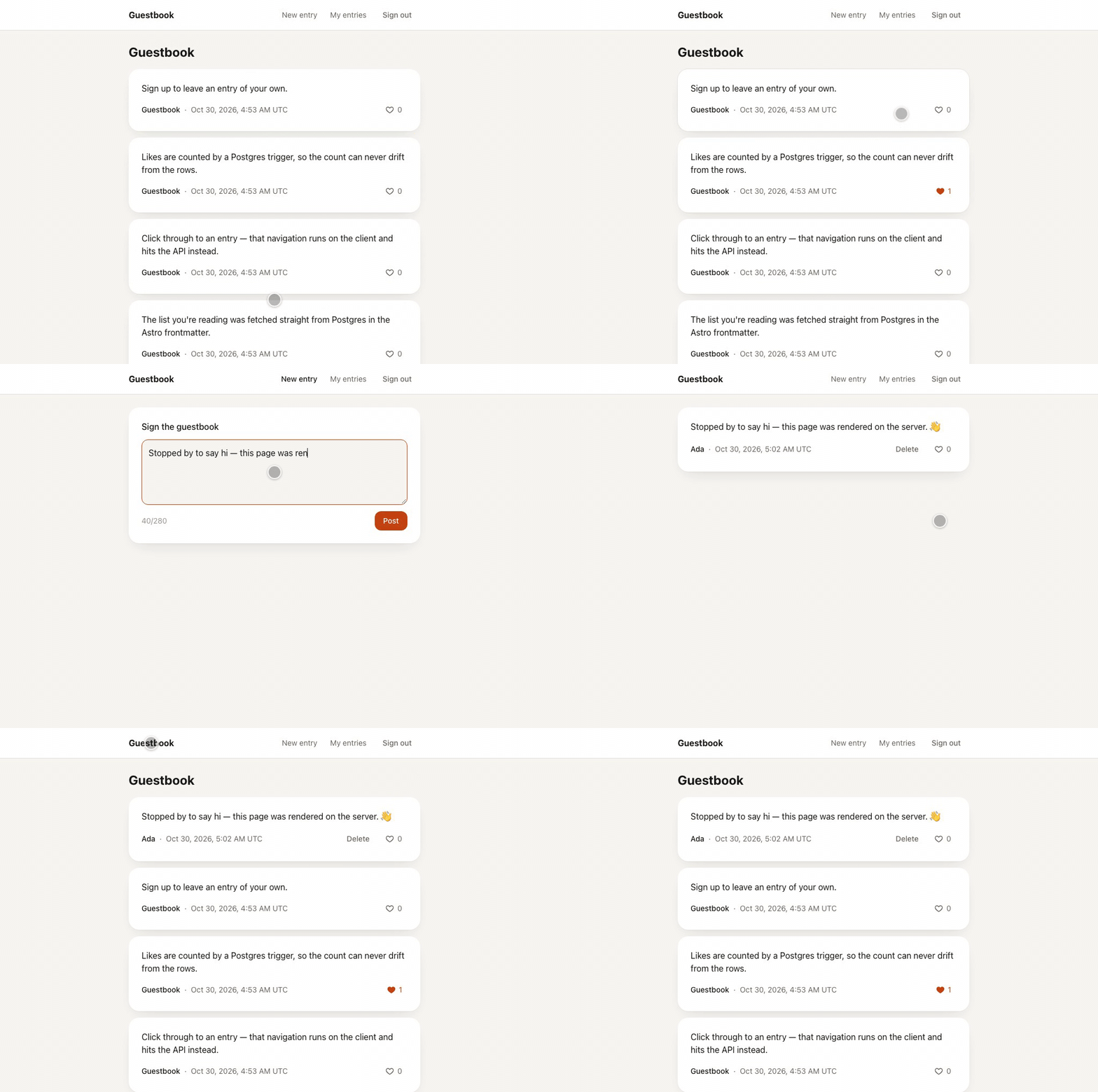
Compared to Interpoll, I went one step further and merged the previously separate packages—packages/astro and packages/db—into one. In fact, I abandoned pnpm workspaces entirely, and now everything—Astro, auth, React, and the database—simply lives inside src/ (the remaining pnpm-workspace.yaml only holds pnpm settings).
I hope some of you from the internet find this repository useful!
P.S. I almost forgot to mention TanStack Start 1.0. I haven’t tried TanStack Start yet because it stayed in RC for a long time and seemed to focus too much on implementing RSC while in RC.
I think TanStack Start would provide a more streamlined experience around SSR and isomorphic data fetching than my approach, but I’m not sure if it’s on par with Astro in terms of functionality outside React—be it API endpoints, middleware, cookie handling, image and font processing, Markdown, MDX, or the story around deployment. I’ll check it out once its adoption among dev communities picks up.